MAKE · The production day
Keep production moving. Make every next step clear.
Plan batches, assign work and guide operators through digital records. Augmenticon brings the next task, the information it needs and the record of the work together.
One plan. Clear tasks. Visible progress.
Plan
Upload your production plan and assign the work.
Batch 24-118 · FDGM. Keller
Batch 24-119 · PSMAJ. Oduya
Batch 24-120 · FDGM. Keller
Illustrative example. Import your existing schedule, then assign the work.
Execute
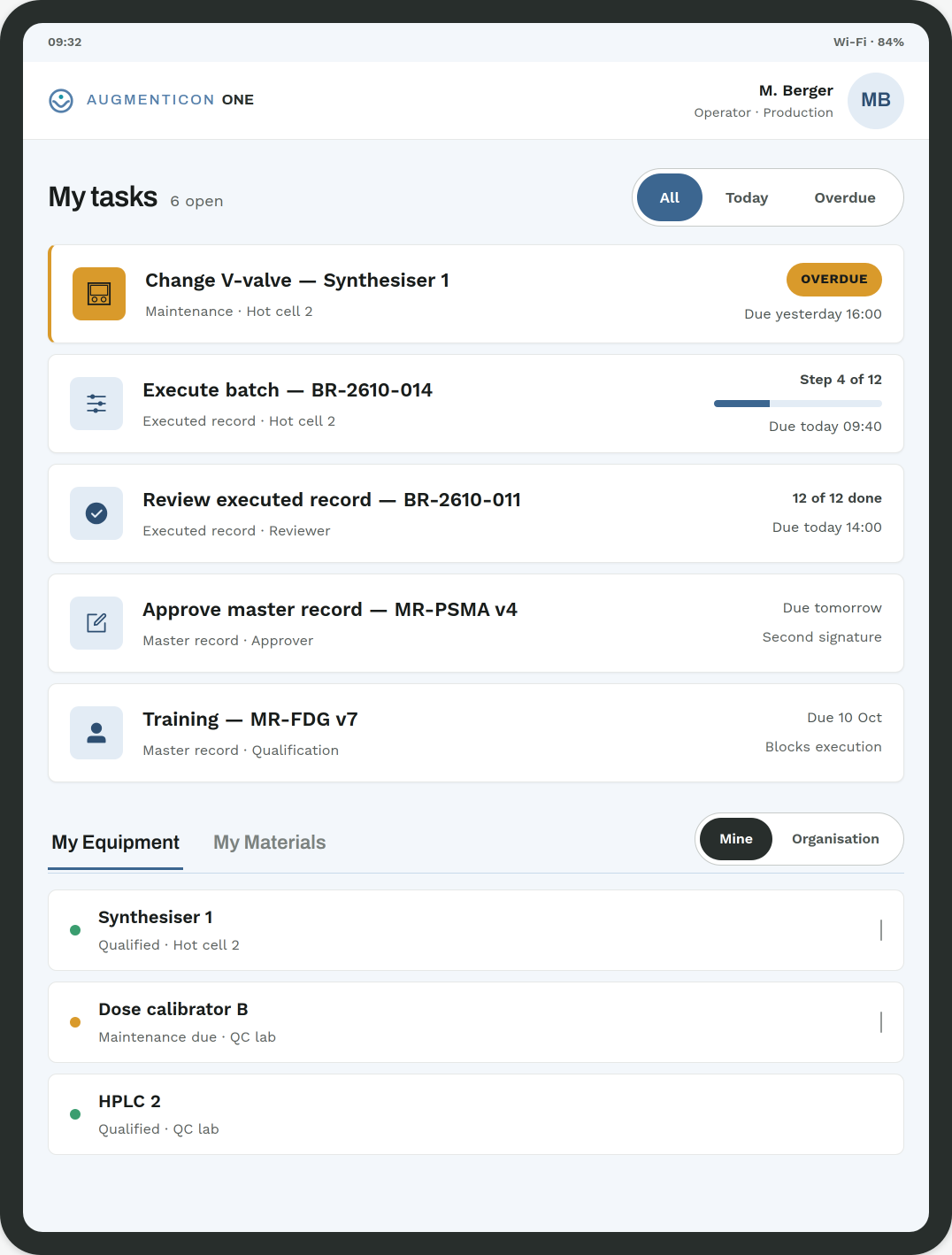
Operators see what to work on next and continue where they left off.
Design render — see the operator app.
Follow progress
See which batches are planned, in progress or complete.
24-118 · FDG · DryingIn progress
24-119 · PSMA · ReleaseComplete
24-120 · FDG · Not startedPlanned
Preview — a planned view, not yet released.
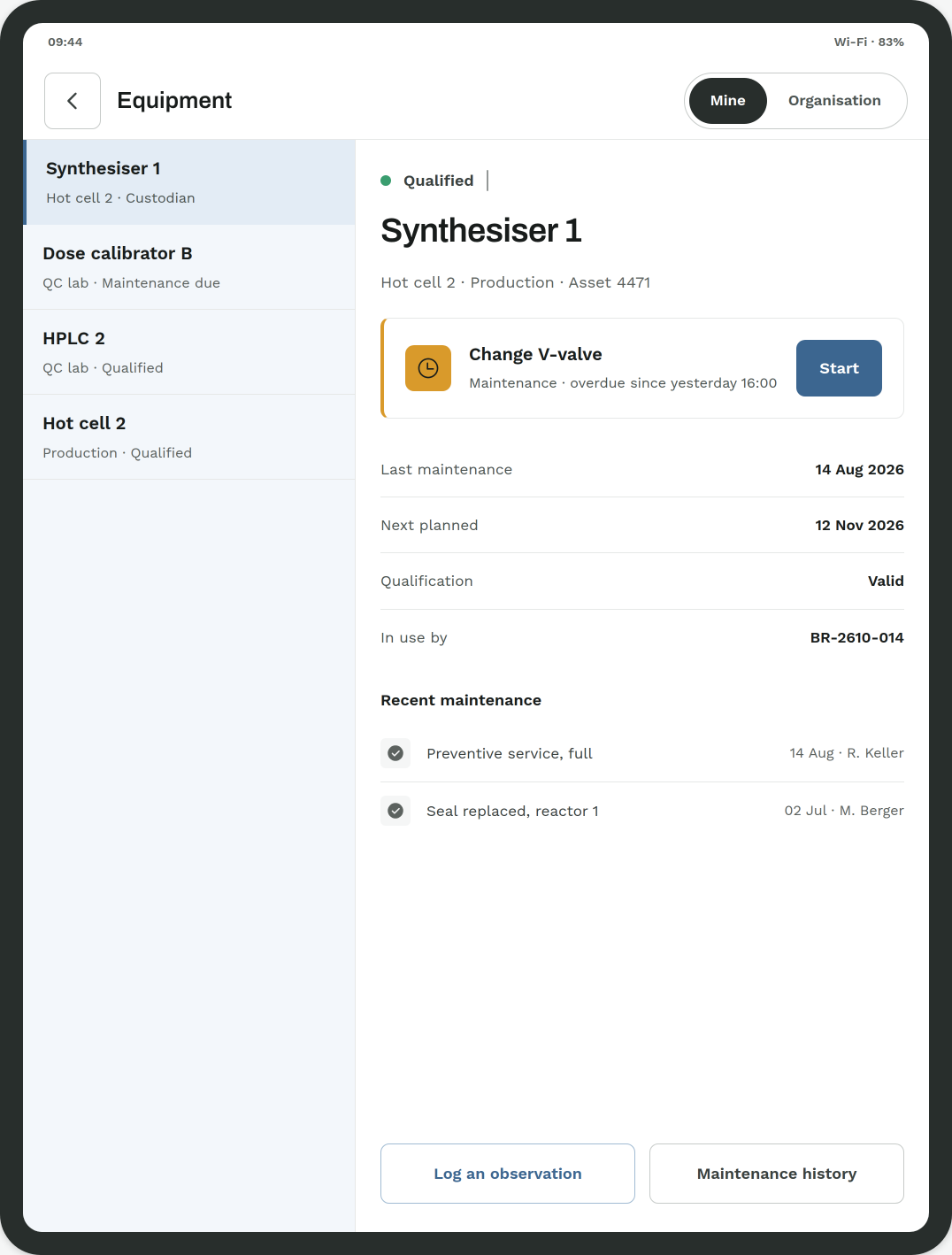
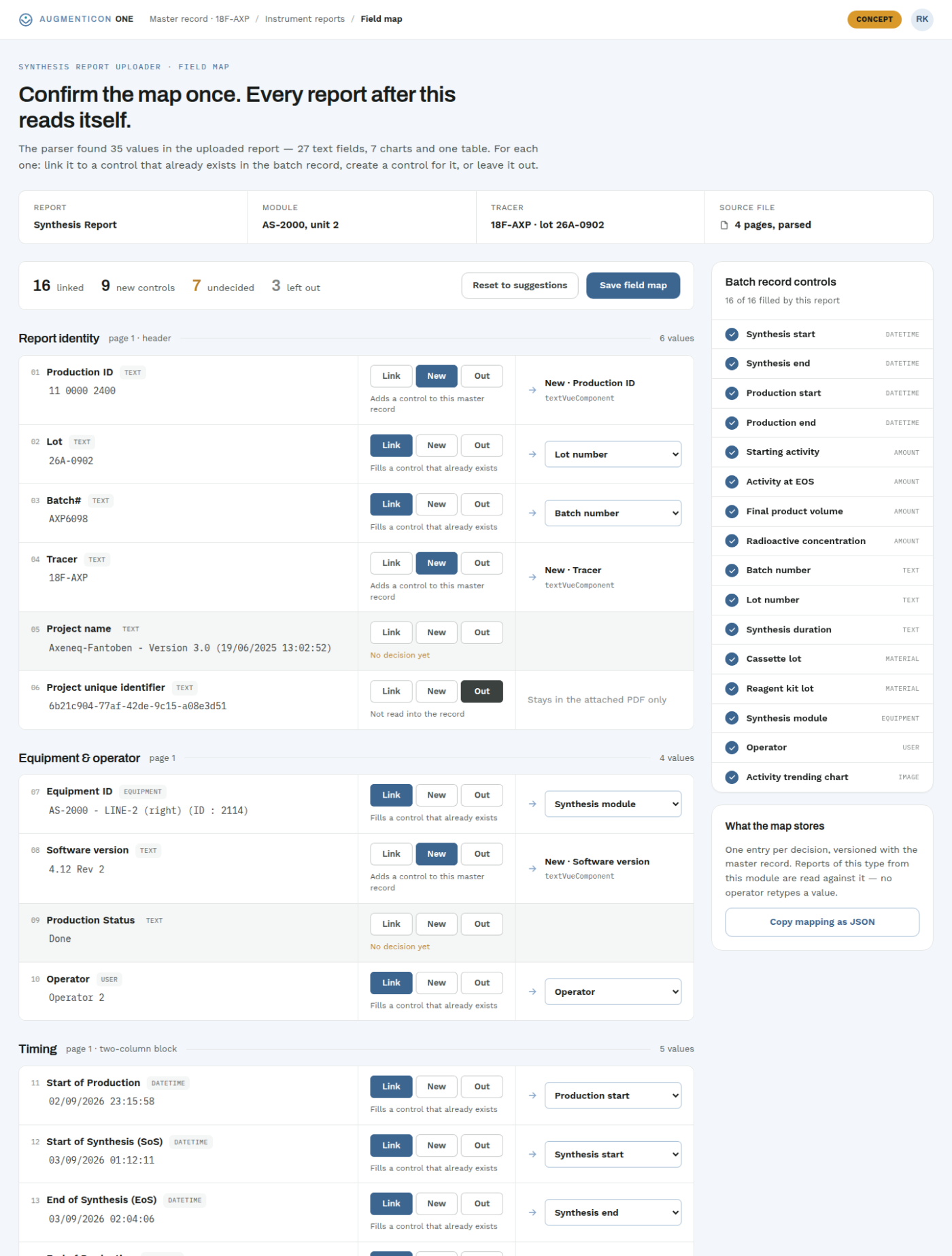
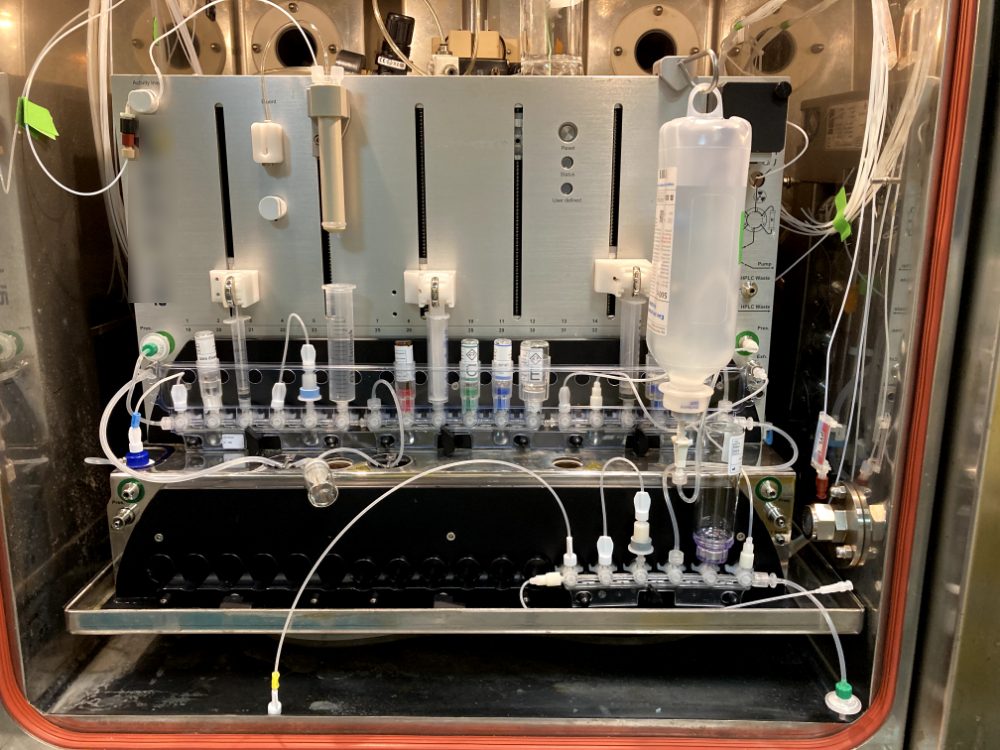
PILOTRunning in a pilot at a customer site
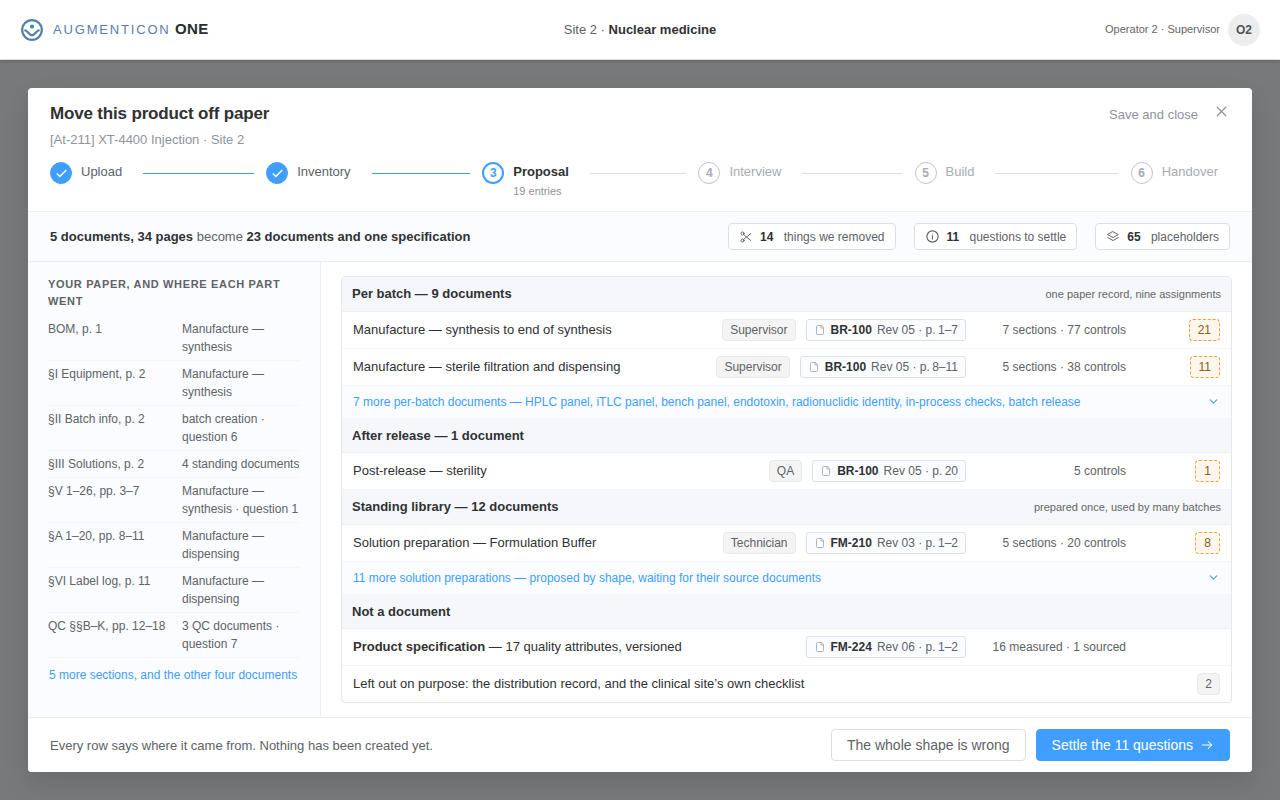
Turn your paper process into a digital workflow.
Start with the documents you already use. Guided questions help you structure activities, handovers and controls for digital work, then bring the result into Augmenticon as an editable draft.
Augmenticon
ONE
Explore Augmenticon with your own documents.
A free 14-day trial is being finalised, built around your own procedures and forms. Write to us and we will get you started personally.
Dr. Christian Schmidt
info@augmenticon.ch